
Privacy and your data
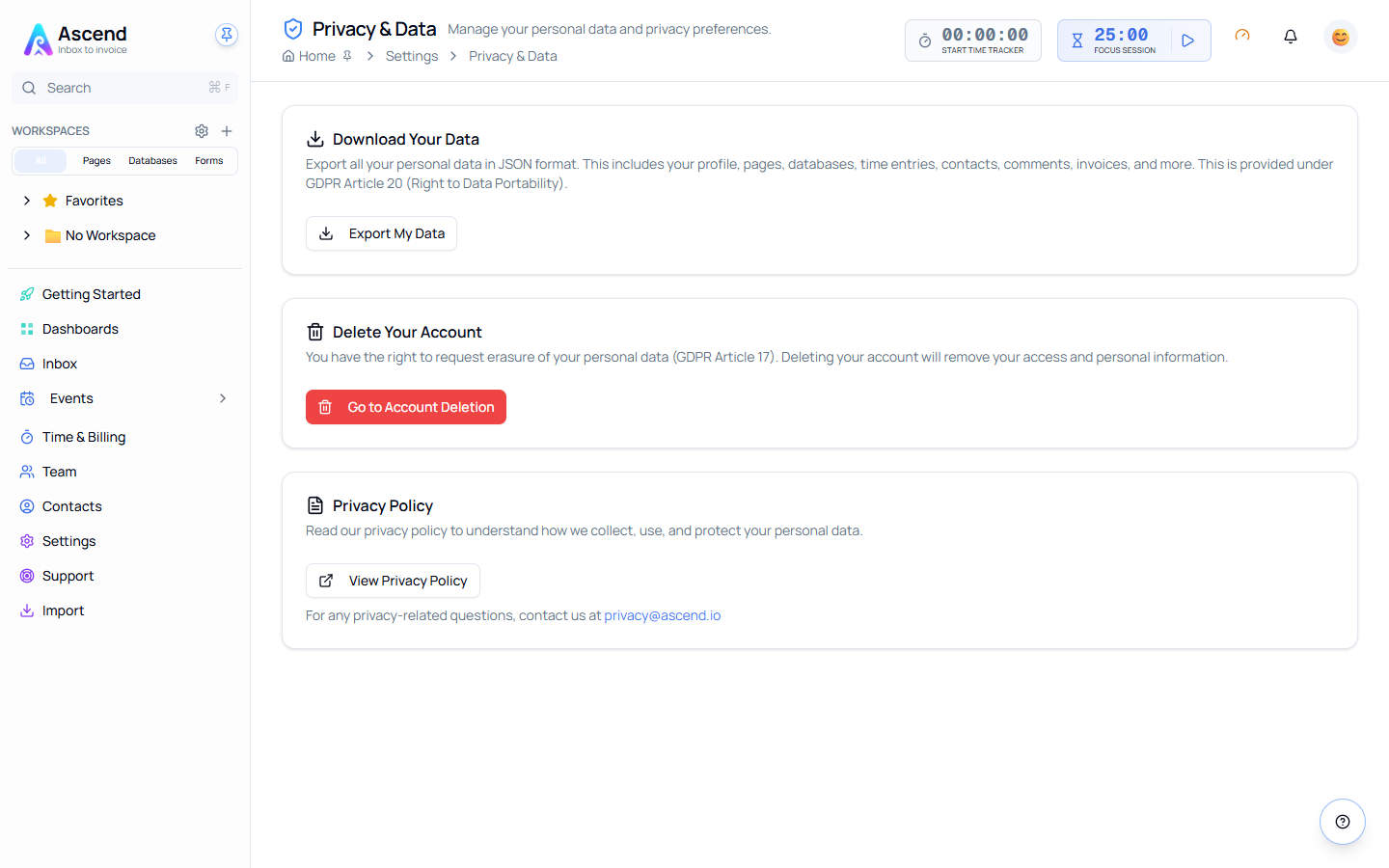
Settings → Privacy & Data holds the two rights that matter most: getting everything Optivation holds about you out in a portable format, and deleting the account entirely.
Exporting your data
Export My Data downloads a JSON file containing your personal data — profile, pages, databases, time entries, contacts, comments, invoices and more. This is the GDPR Article 20 right to data portability, and it does not require a support request.
The export runs on demand and downloads to your machine when it is ready. Larger workspaces take longer.
Export before you cancel
Cancelling a subscription and deleting an account are different actions, but if you intend to leave, take the export first. It costs nothing and takes a minute.
JSON is the portable format, not the readable one. If you want your material in a form colleagues can open, use the CSV export available on each database, or generate documents from templates, before exporting.
Deleting your account
Go to Account Deletion takes you to the Security page, where deletion is confirmed with your password — and, if you have two-factor authentication on, an emailed verification code as well.
Deletion is not reversible
There is no undo and no grace period you can rely on. Export first.
Deleting your account removes your access and your personal information. If you are the owner of a team with other members or an active subscription, deal with the subscription and hand over ownership first — see Team management.
The privacy policy
View Privacy Policy opens the current policy, which covers what is collected, how it is used and how it is protected.
For privacy questions the page also gives a contact address. If it does not reach anyone, raise a support ticket instead — that route is monitored.
What Optivation stores about AI usage
AI prompts and responses are stored as hashes rather than full content, and sensitive patterns such as card numbers and national identifiers are redacted before anything is logged. What is retained in full is the metering — which feature ran, when, and how many tokens it consumed — which is what appears on your Billing page.
Related