
Settings overview
Settings is a hub of tiles rather than a nested tree. Every configurable part of Optivation is one click from here, and what you see depends on your role.
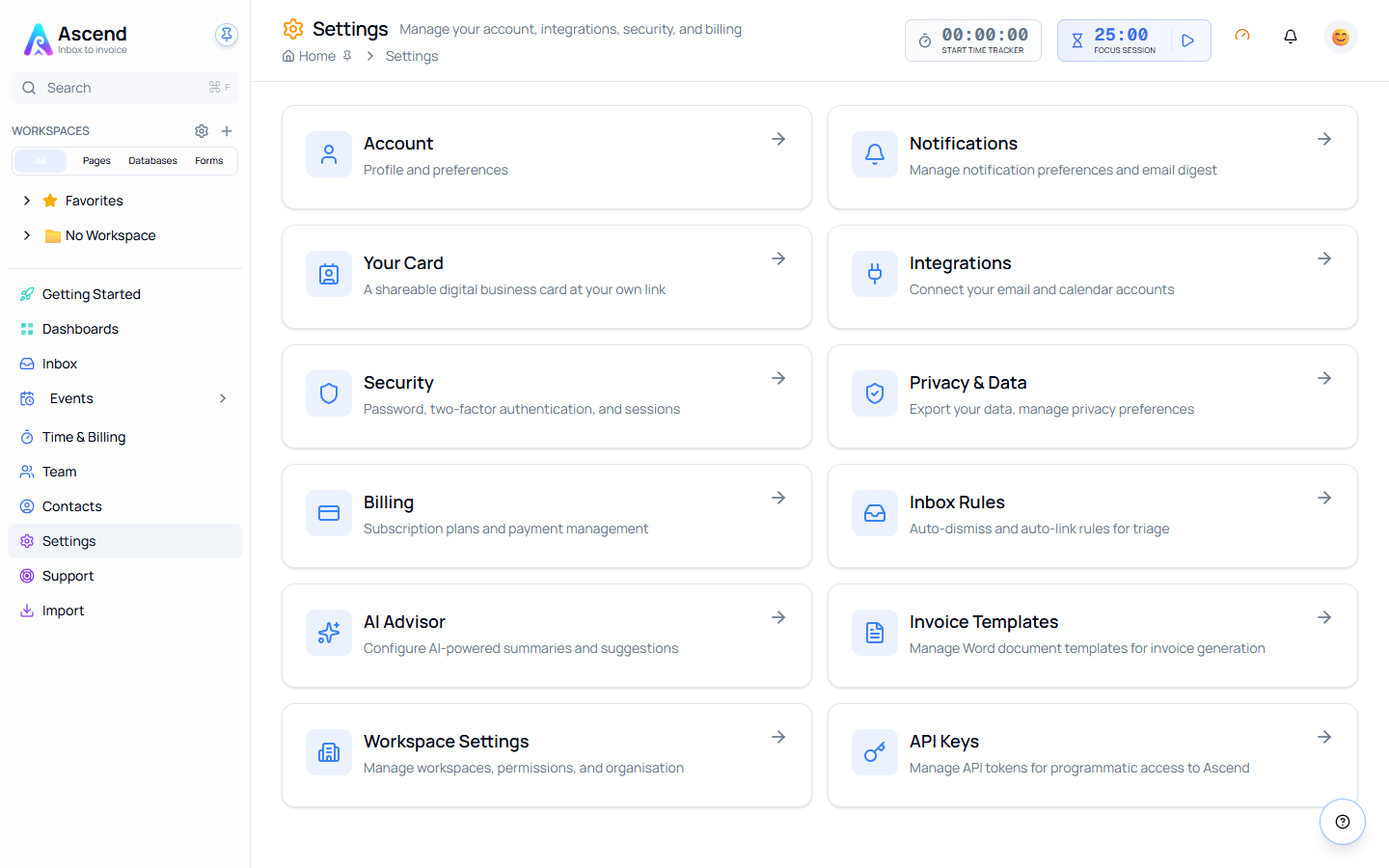
The tiles
| Tile | What it does | Guide |
|---|---|---|
| Account | Profile and preferences | — |
| Notifications | Notification preferences and email digest | Notifications |
| Your Card | A shareable digital business card at your own link | Your Card |
| Integrations | Connect email and calendar accounts | Integrations |
| Security | Password, two-factor authentication, account deletion | Security |
| Privacy & Data | Export your data, delete your account | Privacy and your data |
| Billing | Plan, allowances, add-ons and transactions | Billing |
| Inbox Rules | Auto-dismiss and auto-link rules for triage | Inbox Rules |
| AI Advisor | Configure AI summaries and suggestions | AI Advisor |
| Invoice Templates | Word templates used for invoice generation | Invoicing |
| Workspace Settings | Workspaces, permissions and organisation | Workspaces |
| API Keys | Tokens for programmatic access | Public API |
Admin-only tiles
Billing and Invoice Templates are only shown to team admins and owners. If you cannot see them, you are a member rather than an admin — ask whoever owns the workspace.
Where security actually lives
The Security page holds three things: two-factor authentication, changing your password, and deleting your account.
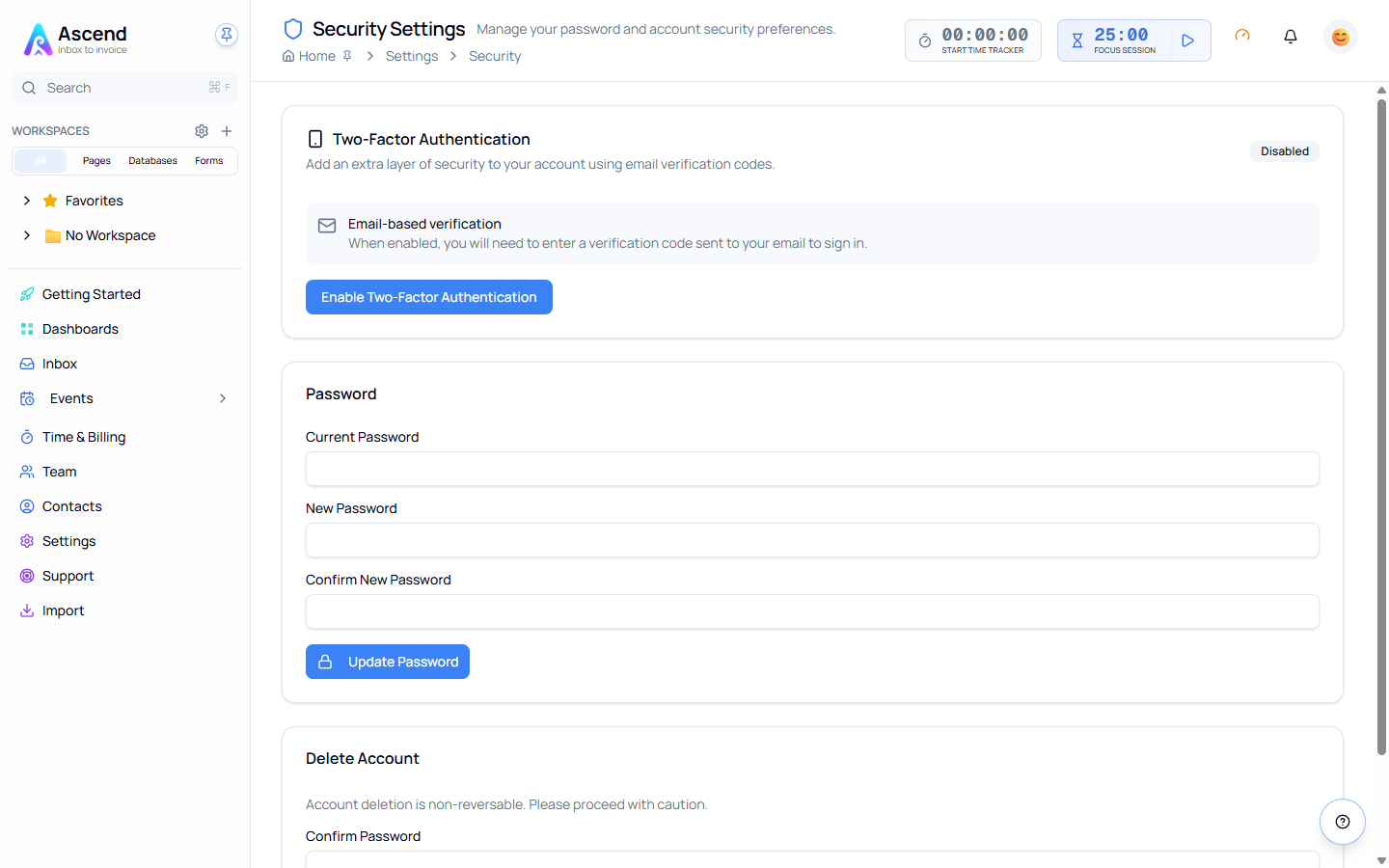
There is no session manager — you cannot list or sign out other devices from here. Sessions expire on their own: the session cookie uses a two-hour sliding window, so an idle session ends by itself within two hours.
If you think your account has been compromised, change the password and turn on two-factor authentication, then contact support rather than waiting the window out.
Related