
Import
Import brings existing material into Ascend: documents become pages, spreadsheets become databases, and a connected Notion workspace can be copied across with its hierarchy and properties intact.
1Import
Start here
The basics, in the order most people need them.
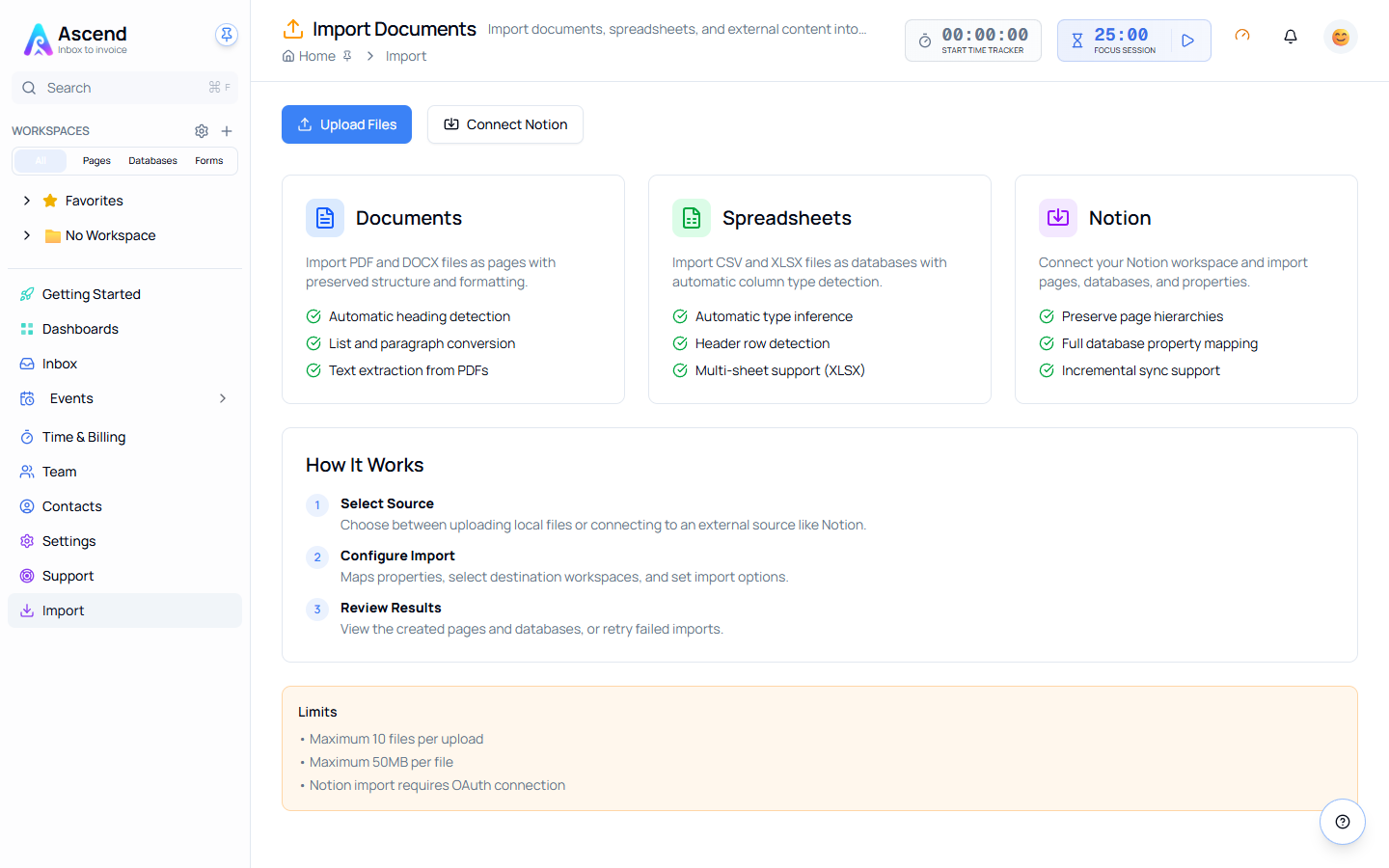
Two routes in
| Route | Use it for |
|---|---|
| Upload Files | PDF, DOCX, CSV and XLSX files sitting on your machine |
| Connect Notion | An existing Notion workspace, imported over OAuth |
Both start from Import in the sidebar.
What becomes what
- PDF and DOCX become pages. Headings are detected, lists and paragraphs are converted, and text is extracted from PDFs.
- CSV and XLSX become databases. Column types are inferred, the header row is detected, and multi-sheet workbooks are handled sheet by sheet.
- Notion pages become pages, Notion databases become databases, and page hierarchies are preserved if you ask for them.
Limits
- Maximum 10 files per upload
- Maximum 50 MB per file
- Notion import requires an OAuth connection
Storage counts against your plan
Imported files consume your workspace's storage allowance. On Free that allowance is 25 MB in total, which a single scanned PDF can exceed. Check Settings → Billing before a large import.
Related
- Importing files
- Importing from Notion
- Databases — where imported spreadsheets land