
Getting Started
New to Ascend? Start here. These guides cover the basics of creating content and finding your way around, so you can get productive on day one.
1Getting Started
Start here
The basics, in the order most people need them.
Creating Your First PageLearn how to create and organize pages in your workspace.The Page InterfaceGet familiar with all the parts of a page and how to use them.Read vs Edit ModeLearn when and how to use Read and Edit modes for the best experience.Getting HelpSupport lives inside Ascend rather than in an email queue.
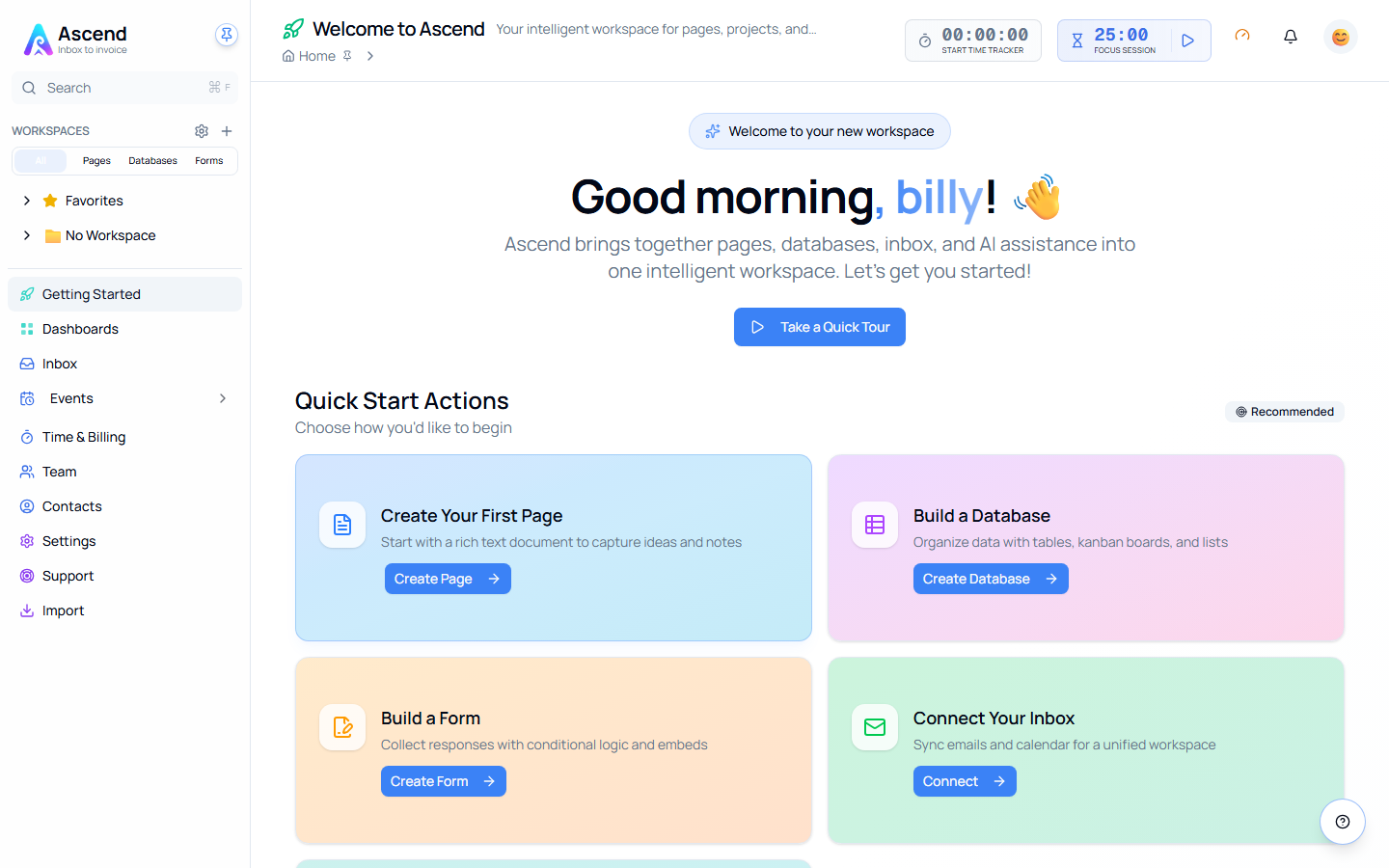
Quick Start
Your first five minutes
- Create a page from Pages in the sidebar, or from your dashboard
- Give it a title and start typing — everything auto-saves
- Press
/to open the block menu and add headings, lists, tables, or images - Switch between Read and Edit mode to see how the page looks when shared
- Invite a teammate, or keep it private — sharing is always your choice
Where to Go Next
Once you're comfortable with pages, these are the natural next steps:
| Section | What it covers |
|---|---|
| Pages | Blocks, templates, formatting, and collaboration |
| Databases | Structured data with custom properties, views, and filters |
| Workspaces | Organize pages and databases into projects or clients |
| Inbox & Contacts | Bring email and calendar into your workspace |
| Time Tracking | Log hours and turn them into invoices |
| Integrations | Connect Gmail, Outlook, and other tools |