
Using Inbox Rules
Inbox rules act on mail and calendar items as they arrive: linking them to the right record, tagging them, changing their state, snoozing them, or dismissing them outright. A rule is a set of conditions and the actions to run when they match.
Start here
The basics, in the order most people need them.
Going further
The rest of what this area can do.
Quick Start
Your first rule
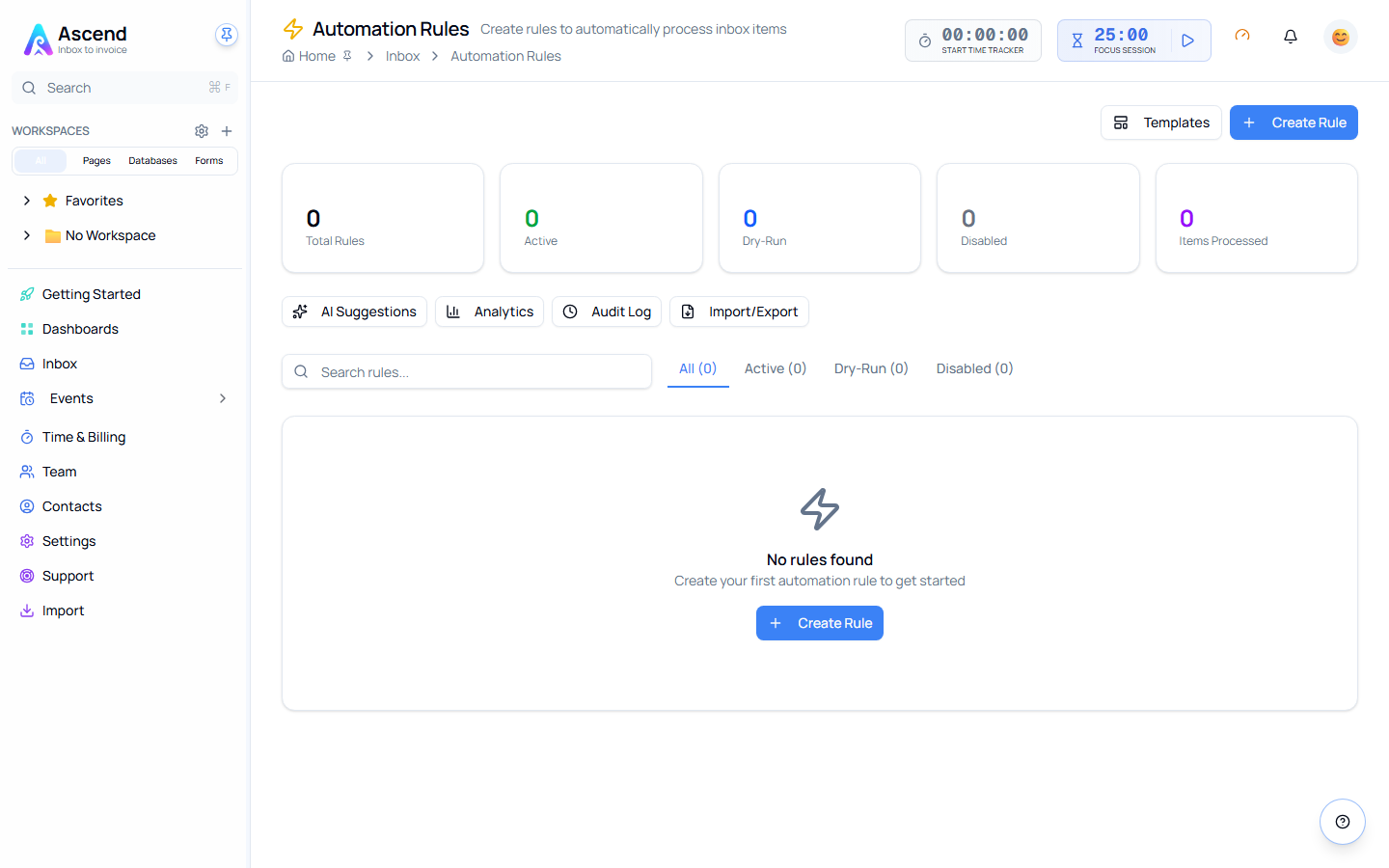
- Go to Inbox → Rules and choose New rule
- Add a condition — for example, From contains a client's domain
- Add an action — for example, Link the item to that client's record
- Save it as a dry run first, so you can see what it would have done
- Once the matches look right, turn dry run off
Key Concepts
| Term | What it means |
|---|---|
| Condition | A test against one field of the item, such as Subject contains "invoice" |
| Action | What happens when the conditions match — link, tag, change state, notify, snooze, or dismiss |
| Priority | The order rules run in. Lower numbers run first |
| Stop processing | An action setting that halts the remaining rules for that item |
| Dry run | The rule matches and logs what it would have done, but changes nothing |
Rules are yours, not the team's
Rules are scoped to the person who created them. Your rules run against your inbox only, and nobody else on the team sees or inherits them. That is deliberate — an inbox is personal, and a shared rule that dismissed someone else's mail would be hard to debug and worse to trust.
If a whole team needs the same behaviour, each person creates the rule, or you export yours and they import it.
What a rule can look at
Rules can test the sender, recipients, CC line, sending domain, subject, body, tags, whether there are attachments, and whether the item is an email or a calendar event. They can also test timing: how old the item is, the time it arrived, the day of the week, and whether it landed inside your business hours.
That last group is what makes "snooze anything that arrives at the weekend" a single rule rather than a habit.