
Using Databases
Databases let you organize and track structured information in flexible tables — custom properties, multiple views, real-time collaboration, and AI analysis built in.
1Databases
Start here
The basics, in the order most people need them.
2Databases
Going further
The rest of what this area can do.
Working with RowsRows are individual records in your database.Views & FiltersViews let you see your database data in different ways without changing the underlying data.Kanban BoardThe Kanban Board view displays your database as a visual board with drag-and-drop cards organized into columns.Calendar ViewThe Calendar view displays your database rows on a monthly calendar grid based on a date property.Timeline (Gantt) ViewThe Timeline view plots your database rows as horizontal bars on a time axis, with arrows showing which tasks…Chart ViewThe Chart view turns your rows into a bar, line or pie chart — counting how many rows fall into each group, or…Focus BoardThe Focus Board organises your work into time-boxed Focus Cycles — short planning periods you can use to batch and…Database TemplatesDatabase templates are pre-configured starting points for common workflows.Property HistoryProperty History lets you track and review every change made to a row's properties.Advanced FeaturesDatabases support powerful advanced features that let you build dynamic, relational, and calculated data structures.CollaborationWork together on databases with real-time editing, comments, mentions, and sharing.
3Databases
When something looks wrong
Known causes and how to fix them.
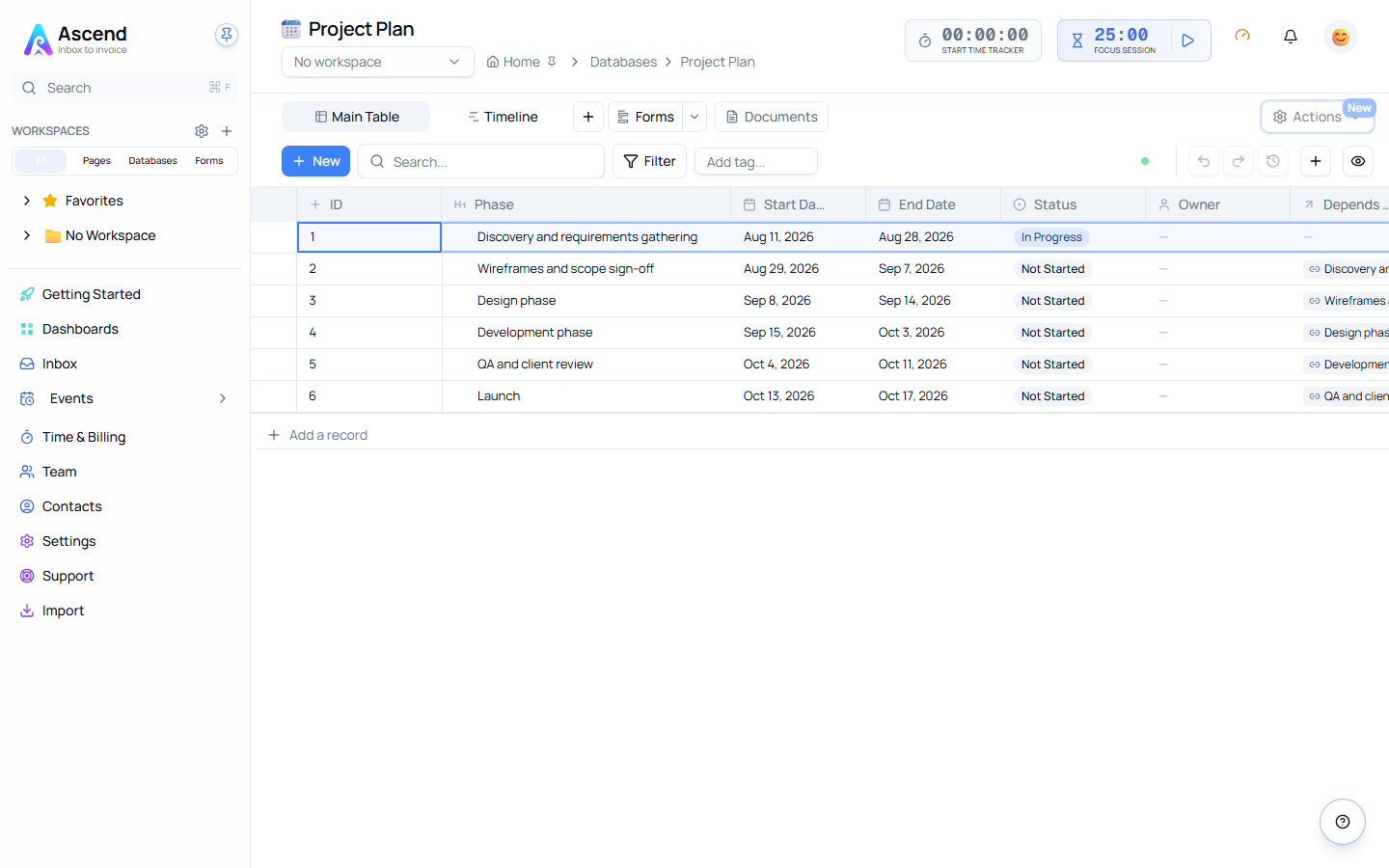
Quick Start
Creating your first database
- Navigate to Databases in the sidebar
- Click New Database
- Choose a template or start blank
- Give it a name — your database starts with a default Name column and a Table view ready to use
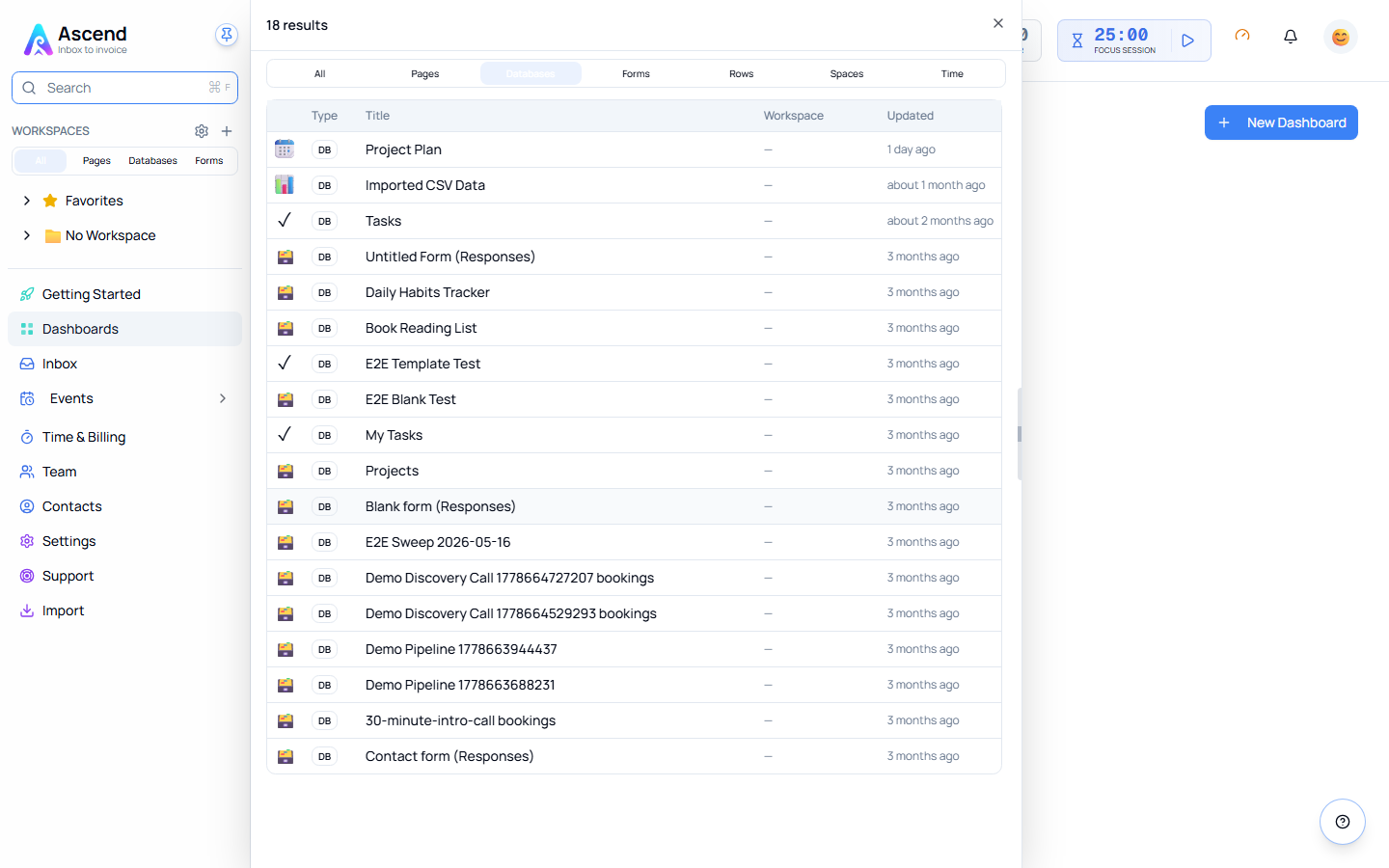
Key Concepts
| Concept | What it does |
|---|---|
| Properties | Define what type of data each column holds — text, numbers, dates, files, relations, and more |
| Rows | Individual records or entries in your database |
| Views | Different displays of the same data — Table, Board, Focus Board, Calendar, Chart, Timeline |
| Cells | The data point where a row meets a column |
Common Use Cases
| Use Case | How to set it up |
|---|---|
| Project Management | Text/status/date/person properties — group by status, filter by assignee |
| CRM | Contact details, deal stages, and linked company relations |
| Content Calendar | Date properties for schedules, multi-select for platforms and categories |
| Inventory | Number properties for stock and pricing, relations to supplier databases |
What Makes Databases Powerful
| Feature | Benefit |
|---|---|
| Typed Properties | Each column knows what data it holds, enabling validation and smart formatting |
| Multiple Views | Six ways to read the same records — table, board, focus board, calendar, chart, timeline |
| Real-time Sync | Changes appear instantly for all team members |
| Advanced Formulas | Calculate totals, averages, and custom values automatically |
| Relations | Link databases together to model complex real-world data |
| AI Advisor | Get intelligent analysis and chart reports generated on demand |
Related Features
- Workspaces — Organize databases by workspace
- Pages — Link databases to pages
- Forms — Collect rows from a public form
- Unified Search — Find database rows globally
- AI Advisor — Intelligent analysis and recommendations