
Rule templates
Inbox → Rules → Templates holds ready-made rules. Pick one, adjust the conditions to your own senders and clients, and save.
Templates are a starting point, not a subscription — once created, the rule is yours and editing the template later changes nothing.
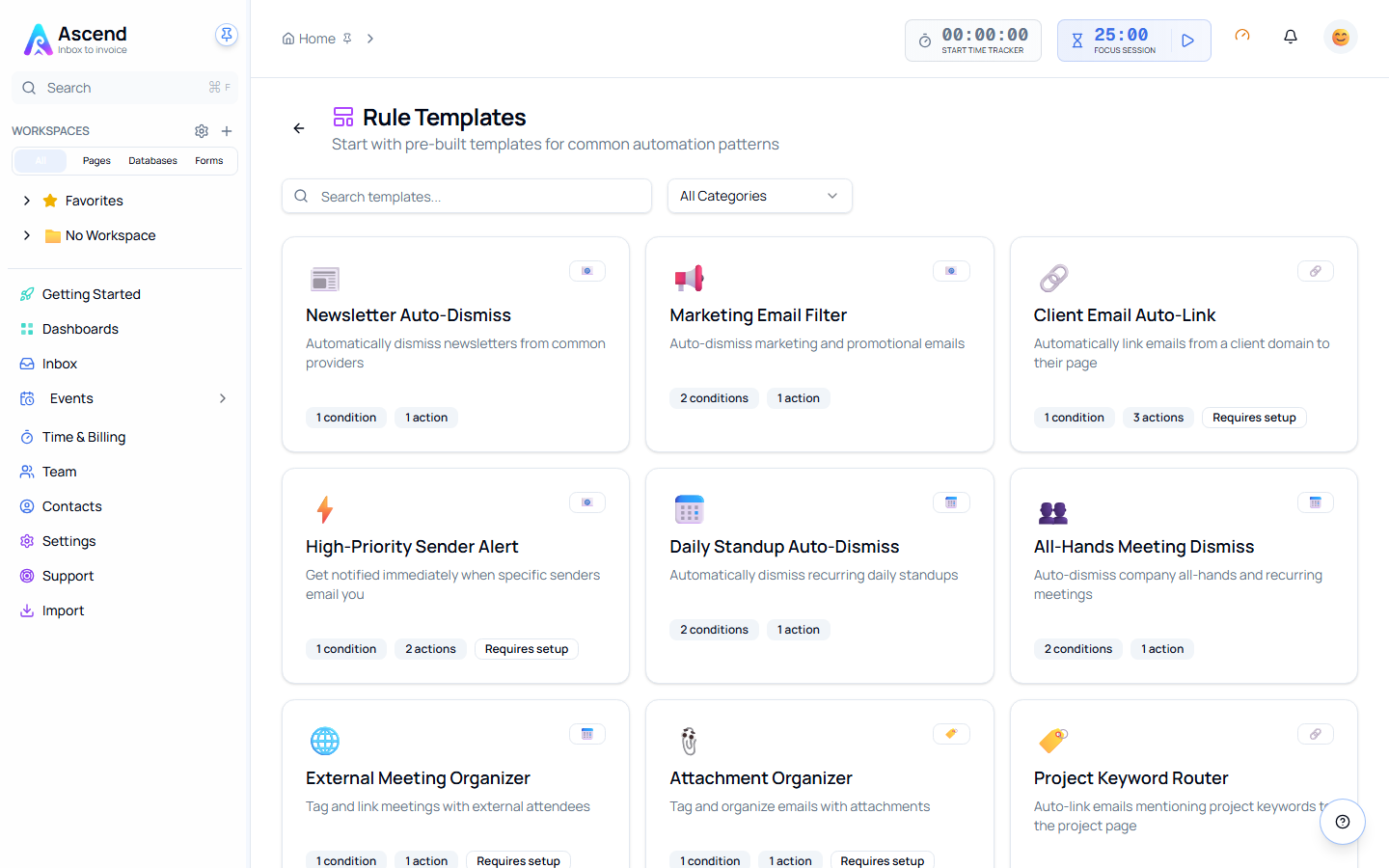
What's there
| Template | What it does |
|---|---|
| Newsletter Auto-Dismiss | Clears newsletters as they arrive |
| Marketing Email Filter | Catches marketing mail before it reaches the inbox |
| Client Email Auto-Link | Links mail from a client's domain to their record |
| High-Priority Sender Alert | Notifies you when specific people write |
| Daily Standup Auto-Dismiss | Clears the recurring standup invitation |
| All-Hands Meeting Dismiss | Same, for all-hands invitations |
| External Meeting Organizer | Handles meetings organised from outside the team |
| Attachment Organizer | Acts on anything arriving with attachments |
| Project Keyword Router | Routes items by keyword to the right project |
| Auto-Archive Old Items | Clears items past an age you set |
| Weekend Auto-Snooze | Snoozes anything arriving at the weekend |
| After-Hours Snooze | Snoozes anything arriving outside business hours |
Worth adjusting before you enable
Client Email Auto-Link needs the client's domain and the record to link to. Both are blank in the template.
High-Priority Sender Alert does nothing until you list the senders.
Auto-Archive Old Items ships with an age threshold that will not match how you work. Set it, then dry run it — this one dismisses.
Related
- Creating a rule — the conditions and actions a template is built from
- Testing a rule