
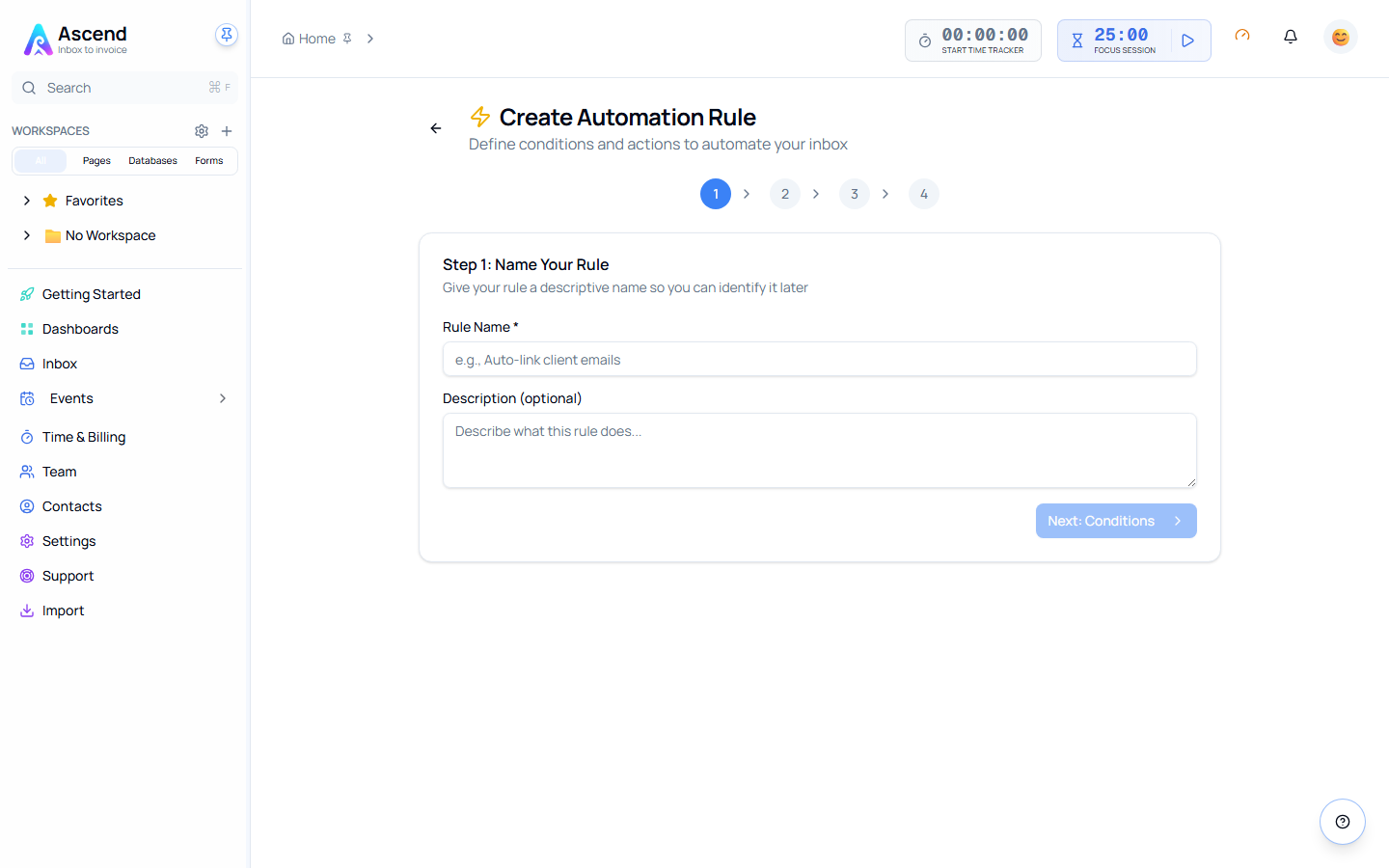
Creating a rule
A rule is conditions plus actions. Every condition must match before the actions run.
Conditions
Each condition tests one field. Inbox → Rules → New rule → Add condition.
| Field | Tests |
|---|---|
| Subject | The subject line |
| From | The sender's address |
| To | The recipients |
| CC | The CC line |
| Domain | The sending domain, without needing the full address |
| Body | The message body |
| Has attachments | Whether anything is attached |
| Item type | Email or calendar event |
| Tags | Tags already on the item |
| Age | How long ago it arrived |
| Time received | The clock time it arrived |
| Day of week | Which day it arrived |
| Business hours | Whether it arrived inside your working hours |
Operators
Which operators you get depends on the field.
Text fields — Subject, From, To, CC, Domain, Body:
contains · does not contain · equals · does not equal · starts with · ends with · matches regex · is one of · is not one of
Number fields — Age, Time received:
equals · does not equal · greater than · less than · between
List fields — Tags:
contains · does not contain · is one of · is not one of
Prefer Domain over From
Domain equals harrowandco.com catches everyone at the client. From contains harrowandco.com does too, but it also matches a stranger writing about them. Domain tests the sending domain itself.
Actions
| Action | What it does |
|---|---|
| Link | Attaches the item to a database row, so the email or meeting sits on the client or project record |
| Tag | Adds tags |
| Change state | Moves it through your inbox states |
| Snooze | Hides it until a time you choose |
| Notify | Sends you a notification |
| Dismiss | Clears it from the inbox |
A rule can run several actions. Link then Tag then Dismiss is a common shape: file it against the client, label it, and get it out of the way.
Order, and stopping early
Rules run in priority order, lowest number first, and by default every rule gets a look at every item. An item can match several rules and collect the actions from all of them.
Turn on Stop processing in an action when a rule should be the last word. A newsletter rule that dismisses the item has no reason to let five more rules run afterwards.
Only enabled rules run. Disabling is not deleting — a disabled rule keeps its conditions and history.
Always dry run first
Save a new rule as a dry run. It evaluates normally and records what it would have done, without touching anything. Check the matches, then turn it off.
This matters most for Dismiss. A too-broad condition with a dismiss action removes mail you meant to read, and the fix is reading the audit log rather than the inbox.
Related
- Testing a rule — run one against real items before enabling it
- Rule templates — start from a working rule
- Analytics and audit — what actually fired